 |
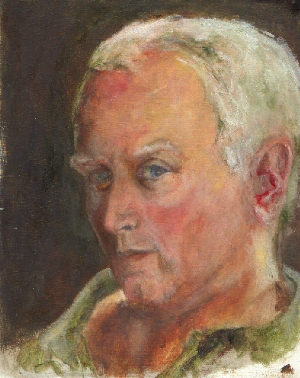
100% (no loss)
112Kbytes |
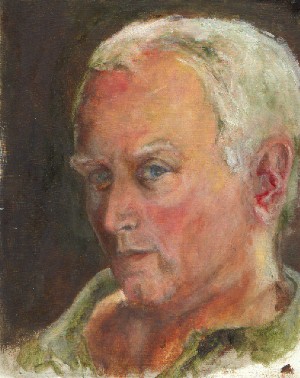 |
90%
37Kbytes |
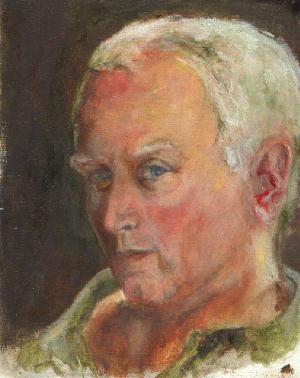 |
75%
20KB |
 |
50%
12Kbytes |
Selecting Resolution
and Using JPEG
If you are an artist on the web, you have (or should have!) a real interest in speeding the download time of your images while maintaining their visual integrity (at least as much as possible).
Two simple means of doing this are selecting
an appropriate resolution, and using lossy compression. ("Lossy compression"
is the technical name for a compression algorithm that allows some information
to be discarded in order to reduce size.)
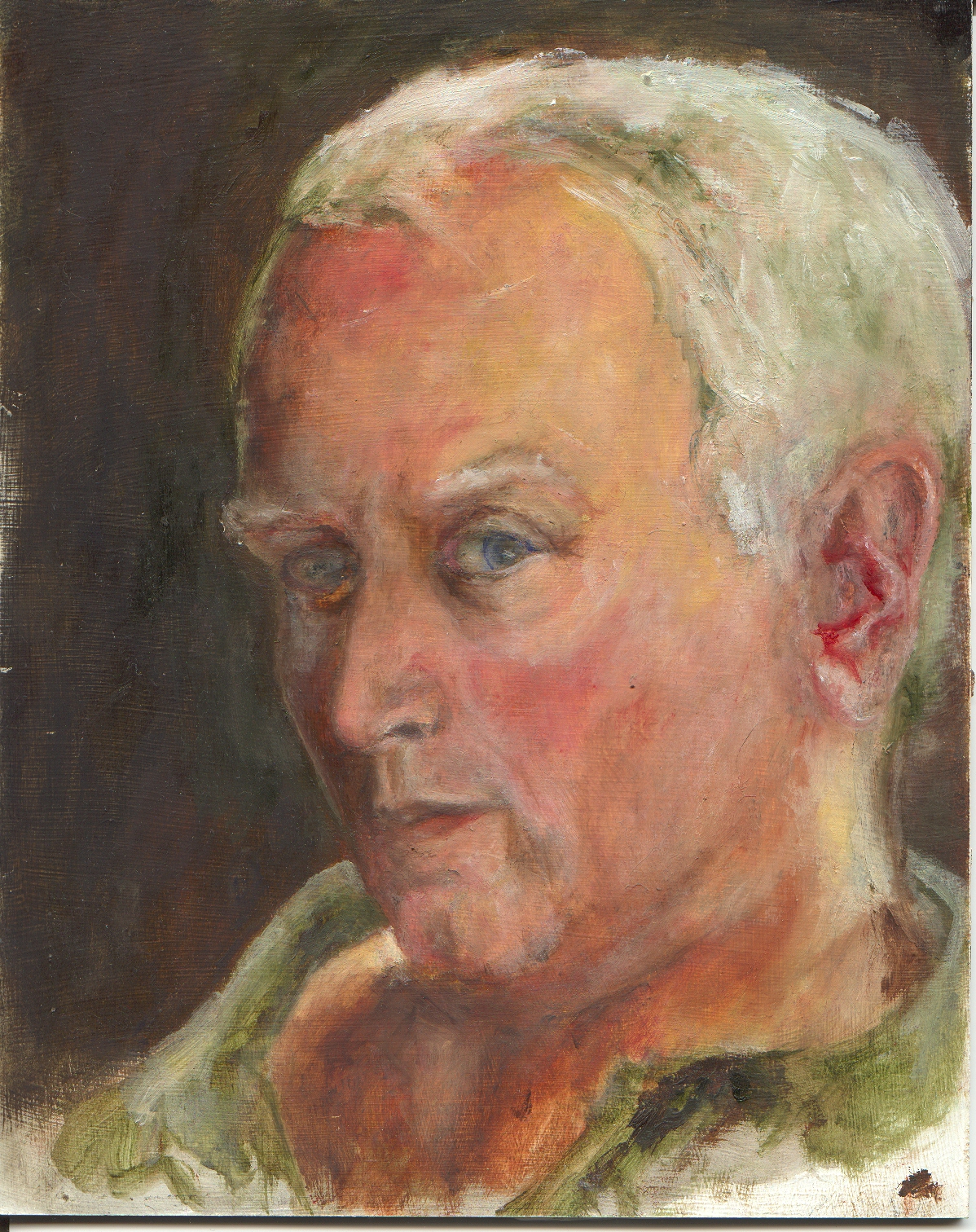
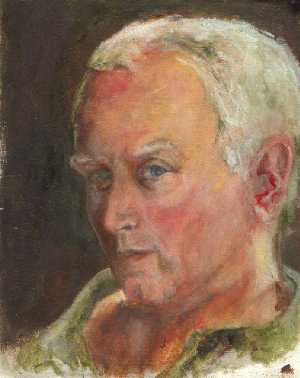
Below is an (in progress) oil sketch, originally scanned at 150 dpi (dots per inch) into a TIFF file. What a TIFF file is is irrelevant, other than to say it is the format my HP ScanJet & my PhotoFinish software use to talk to each other. The original TIFF file came in at about 5.2 Mbytes, obviously too large for a quick download!
The scan itself was approximately 1200 pixels by 1500 pixels, too large for a normal display. So the first task was to reduce the resolution, while keeping the image as intact; I did this by reducing the image by a factor of 4 to a 300x375 pixel image - small enough to display on mos computers without scrolling; large enough to be seen clearly on most screen settings. This also reduced the size to around 350KB - much more manageable! (NOTE - a common error in web design is keeping the full resolution image on disk, and then forcing it into a smaller window for display. Not only does this not save in download time, it adds the problem by forcing the image to be resampled each time it is displayed. So when you set up images for display, make sure the image is the size you want it at, and then set your page design so that the window for the image is sized to fit.)
Now many browsers don't accept TIFF files (easily), so I normally translate my work into JPEG formats. One of the delights of JPEG is that it allows the user to define how much accuracy one is willing to give up in order to increase data rates. Now below, I've taken 4 versions of the same image, at the same resolution, and different loss rates - note the corresponding sizes in the table! The first version (at 112KBytes) has lost no information; the last version - at approximately 1/8th the original file size - is not hugely different.
For a lossless full scale JPEG version of the
scan (about 2MB), click here.
|
100% (no loss)
112Kbytes |
|
90%
37Kbytes |
|
75%
20KB |
|
50%
12Kbytes |